Can I download and print the mileage log for free?
Yes. The simple and monthly PDF logs are free to download without an account. Choose US Letter or A4, then print at actual size or 100% scale in landscape orientation.
Print a simple or monthly mileage log and record your actual trips. Download a PDF in US Letter or A4, with no account required.
Download simple PDFChoose A4 or a monthly logLandscape pages · 20 trip rows · Miles or kilometers
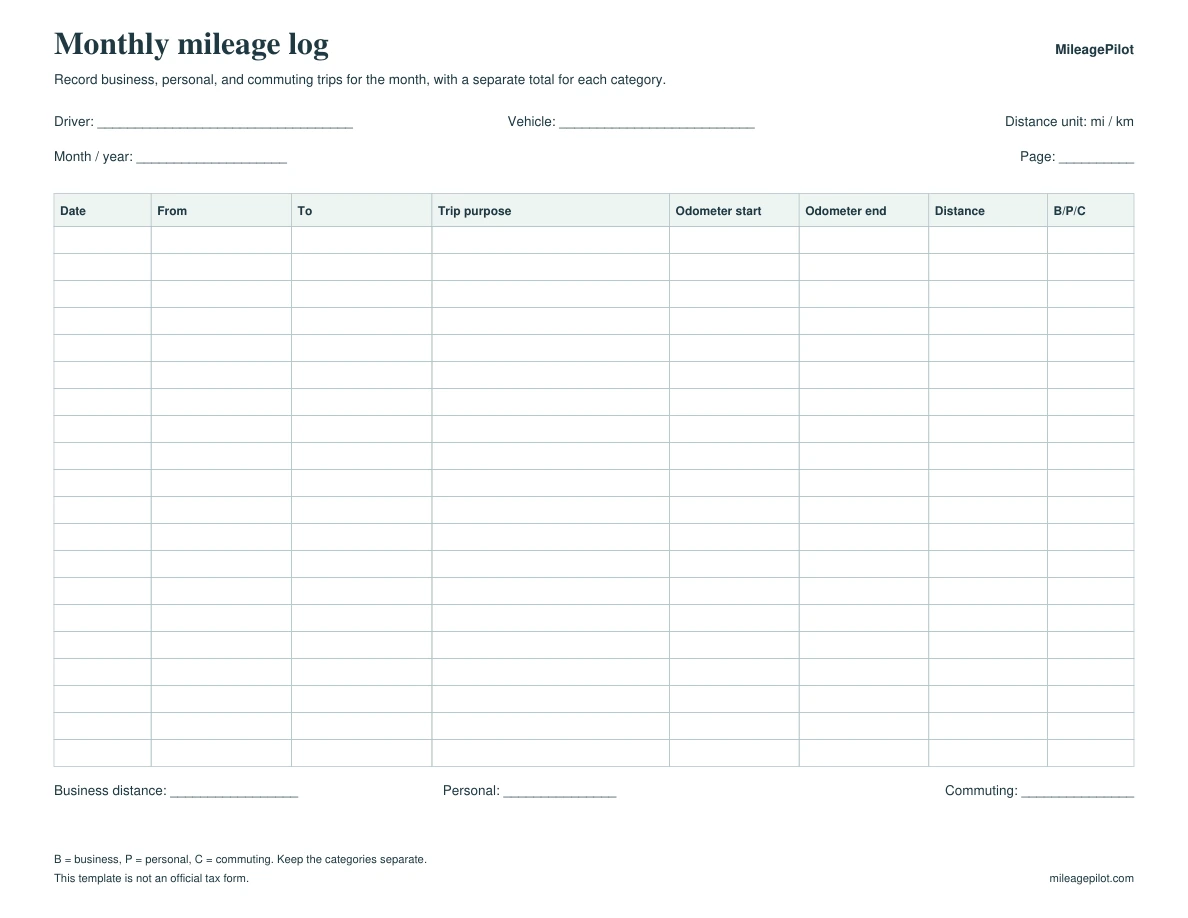
This preview shows the downloadable PDF.
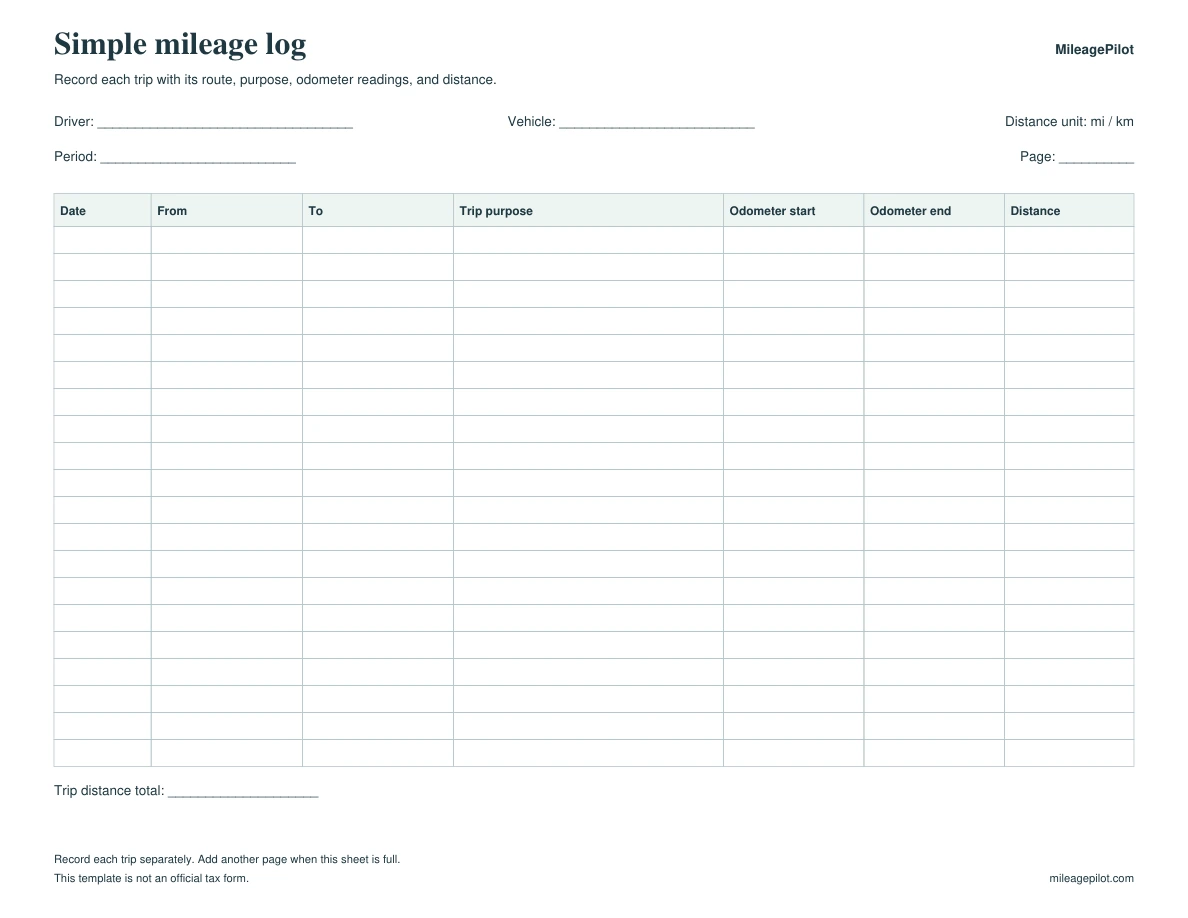
Both formats have room for the trip date, route, purpose, odometer readings, and distance. Use the monthly version to keep business, personal, and commuting totals separate.
Record each trip with its route, purpose, odometer readings, and distance.
Record business, personal, and commuting trips for the month, with a separate total for each category.
Write why you made the trip, such as "Client planning meeting." A label such as "Work" does not explain the purpose. The monthly log uses B for business, P for personal, and C for commuting. Keep one trip category per sheet when using the simple log.
This PDF records the trips you enter. It does not determine tax eligibility or calculate reimbursement. IRS Publication 463 explains US car-expense records, including business use and total annual mileage.
Read IRS Publication 463See the mileage recordkeeping checklistThese fictional trips show how to fill in each column. Record your own trips in the blank log.
| Date | Route | Purpose | Odometer start | Odometer end | Distance | Type |
|---|---|---|---|---|---|---|
| 2026-10-06 | Office to Client site | Client planning meeting | 10,200 | 10,218.4 | 18.4 mi | B |
| 2026-10-06 | Client site to Office | Return from client meeting | 10,218.4 | 10,237 | 18.6 mi | B |
| 2026-10-07 | Home to Store | Personal shopping trip | 10,237 | 10,243.2 | 6.2 mi | P |
Yes. The simple and monthly PDF logs are free to download without an account. Choose US Letter or A4, then print at actual size or 100% scale in landscape orientation.
Use the simple log to record trips from one category on each sheet. Use the monthly log to separate business, personal, and commuting trips and record their totals for the month.
Write the trip date, start location, destination, specific trip purpose, starting and ending odometer readings, and distance. The monthly version also has a B/P/C column for business, personal, or commuting. Record each trip using your own actual details.
No. MileagePilot created this template. It is not an IRS form and does not establish tax eligibility. IRS Publication 463 explains the records needed for US car expenses, including business use and total annual mileage. Keep the other records relevant to your claim too.
Yes. Mark km in the distance-unit field and use kilometers consistently for both odometer readings and trip distances. The template records the distance you enter. It does not convert units or calculate reimbursement.
No. A mileage log records your trips. A reimbursement form submits a claim with the rate, amount, employee details, and approval. Use the trip log to support the separate reimbursement form when your employer asks for it.
Choose a spreadsheet, check mileage records, or prepare a separate reimbursement claim.